THE CAPABILITIES, EXPLAINED
28 things you
don’t have to build.
See what goes into your adult website. Each capability has a
visual explanation, so you know what it does and why it matters.
Original feature illustrations. Inclusions vary by package; your
written quote confirms the scope.
Compare packages.
Showing all 28 features.
Content & import
Bring in content, organise it and keep it current.
Content & import
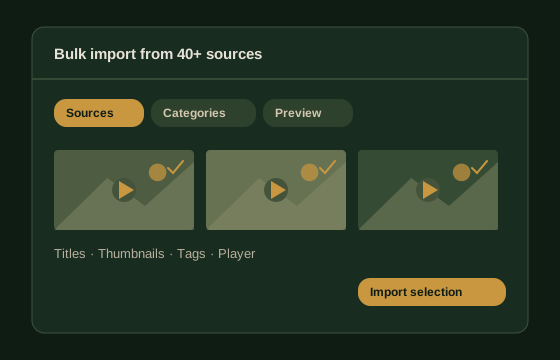
Bulk import from 40+ sources
Import adult videos in batches with titles, thumbnails, tags
and metadata. Review the selection before publishing.
Choose sources → Preview → Import
Content & import
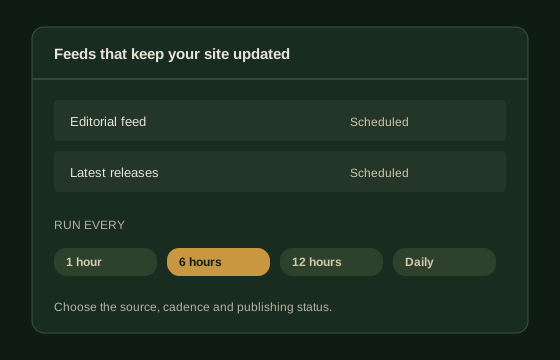
Feeds that keep your site updated
Save your source and category settings, choose a schedule and
let recurring feeds bring in new content.
Set the schedule. Keep editorial control.
Content & import
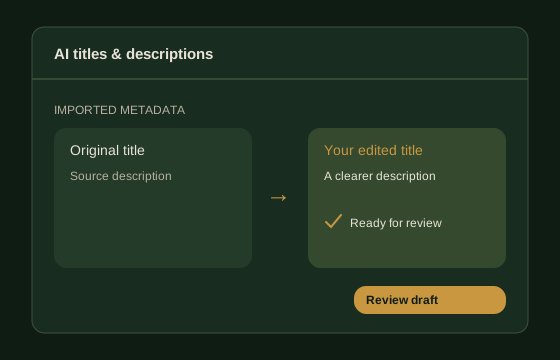
AI titles & descriptions
Generate fresh titles and descriptions during import, then
review them for accuracy and relevance. AI usage fees are
separate.
Source metadata → Draft → Your review
Content & import
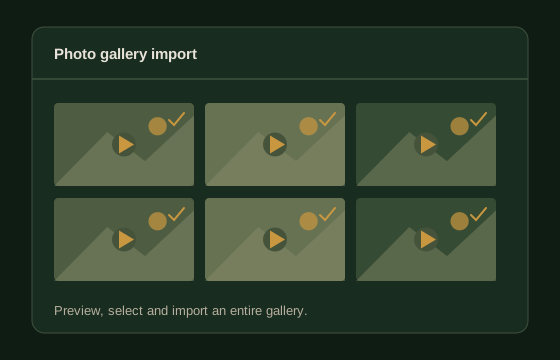
Photo gallery import
Preview a gallery, select the images you want and import the
collection with its supporting information.
Preview first. Publish when ready.
Content & import
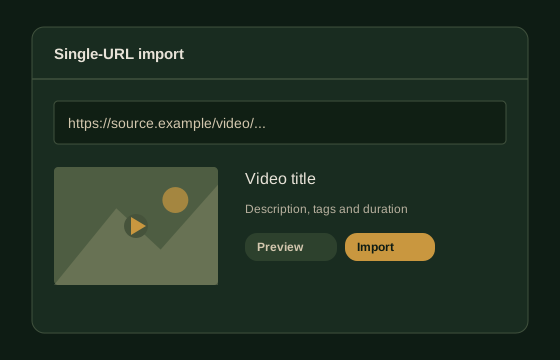
Single-URL import
Paste a video URL to retrieve its player, title, description,
thumbnails and other metadata in one workflow.
One link. A complete content entry.
Content & import
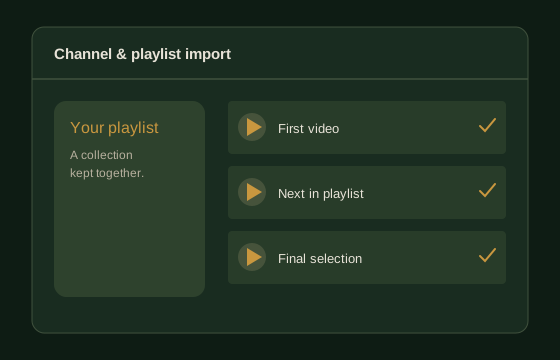
Channel & playlist import
Bring an entire permitted channel or playlist into your
library, with organised entries instead of one-by-one uploads.
Keep a collection together.
Content & import
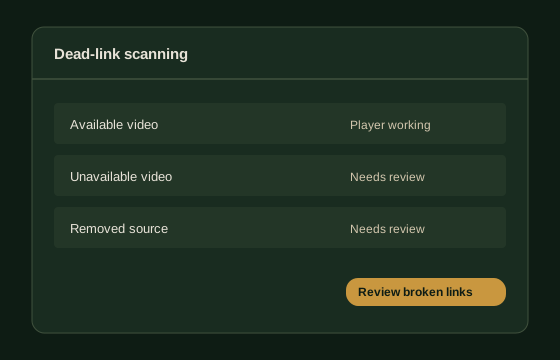
Dead-link scanning
Identify unavailable videos and broken embeds, then review and
clean up the entries that interrupt browsing.
Find broken players before they pile up.
Monetisation
Connect advertising, affiliate offers and member access.
Monetisation
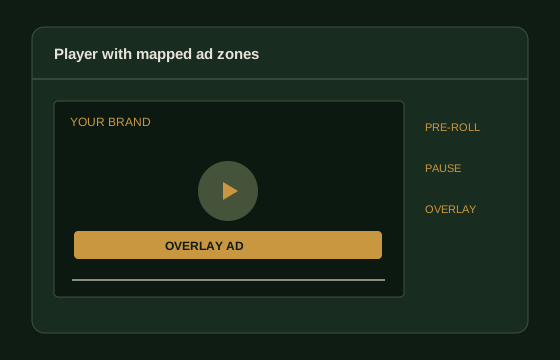
Player with mapped ad zones
Configure pre-roll, pause and overlay placements around the
player, with branding and controls suited to your website.
Ad placement built into the viewing experience.
Monetisation
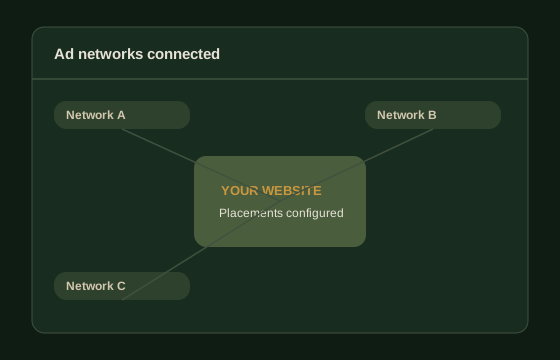
Ad networks connected
Connect approved advertising accounts, place their tags and
check the positions across your website.
Accounts, placements and checks.
Monetisation
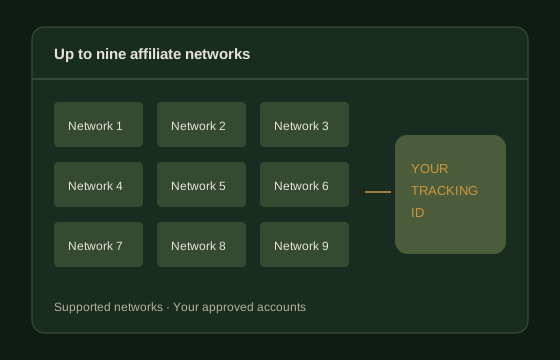
Up to nine affiliate networks
Connect supported affiliate networks and your tracking IDs, so
eligible content links use your approved affiliate accounts.
Your accounts. Your tracking links.
Monetisation
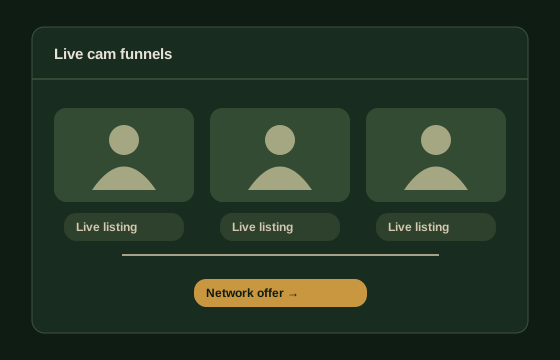
Live cam funnels
Organise live listings and route visitors to approved cam
network offers using your affiliate links.
Discovery → Listing → Network offer
Monetisation
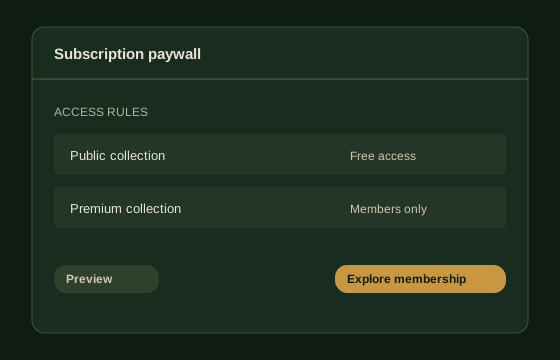
Subscription paywall
Configure membership tiers, trials and gated videos around
your content offer. Payment integrations depend on provider
approval.
Define what’s public and what’s premium.
Monetisation
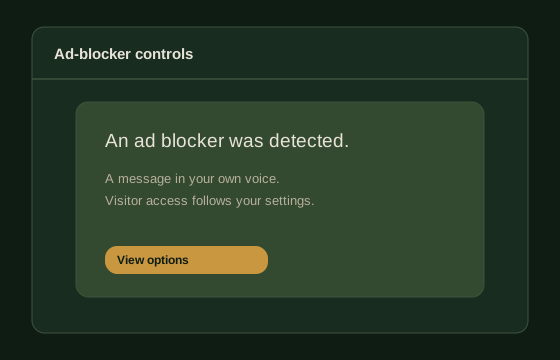
Ad-blocker controls
Set notices and visitor-access options for detected ad
blockers, with messaging that fits your website.
Your message. Configurable visitor choices.
Monetisation
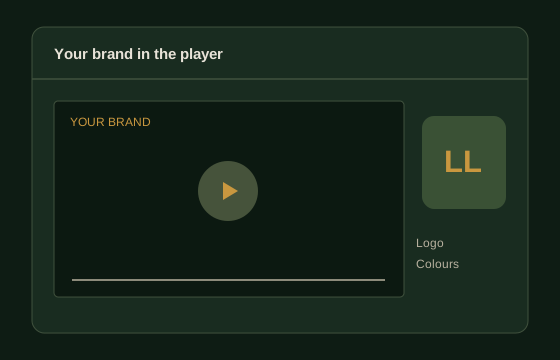
Your brand in the player
Add your logo and player styling for a consistent identity
across your video pages and supported embeds.
A viewing experience that belongs to your brand.
Discovery & growth
Help visitors find content and explore your website.
Discovery & growth
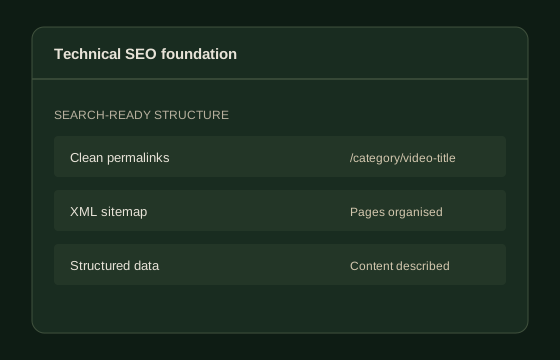
Technical SEO foundation
Configure clean permalinks, sitemaps and structured data so
search engines can understand and discover your pages.
Build the technical foundation from the start.
Discovery & growth
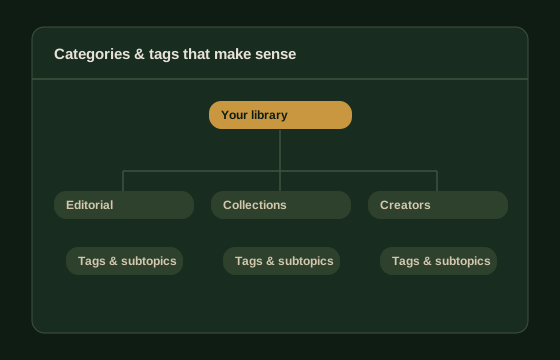
Categories & tags that make sense
Plan your content hierarchy around the niche, with clear
categories and useful tags for browsing and discovery.
A growing library that stays organised.
Discovery & growth
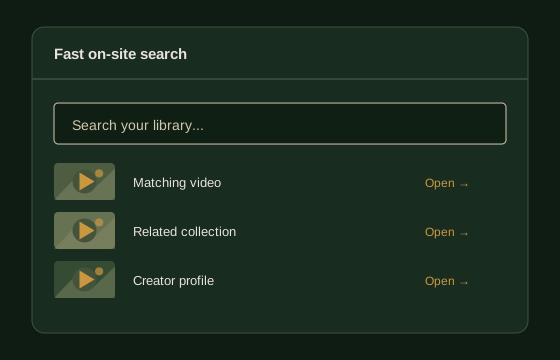
Fast on-site search
Help visitors find content through a clear search experience,
useful results and a well-organised catalogue.
A shorter route from interest to content.
Discovery & growth
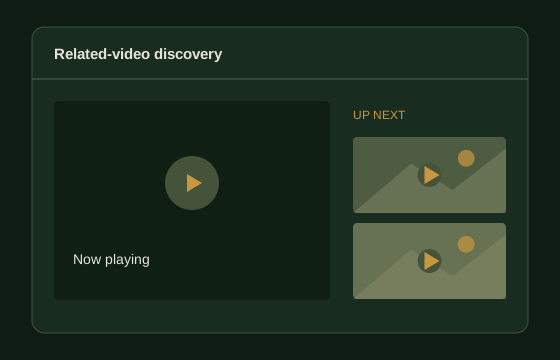
Related-video discovery
Surface relevant next videos on content pages, giving visitors
a natural way to keep exploring your catalogue.
The next watch, in the right place.
Discovery & growth
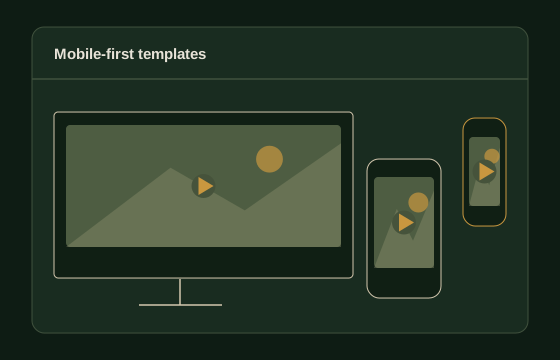
Mobile-first templates
Configure and check the navigation, content grids and player
across phone, tablet and desktop layouts.
Built for the screen in your visitor’s hand.
Discovery & growth
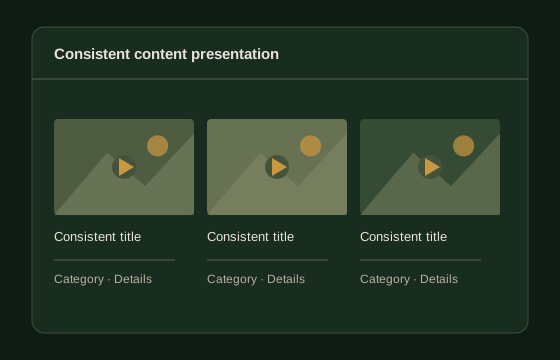
Consistent content presentation
Bring thumbnails, branding and metadata into a consistent
style, so your launch catalogue feels organised and complete.
A coherent catalogue from the first visit.
Discovery & growth
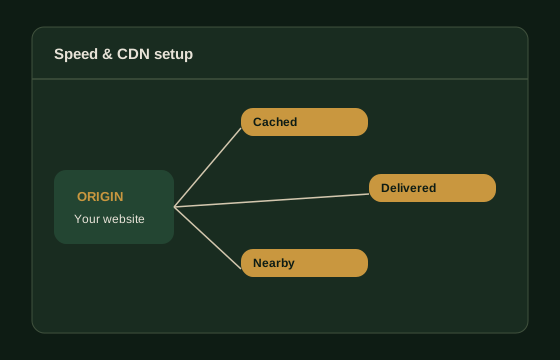
Speed & CDN setup
Configure caching and content delivery around your hosting and
media setup, then check page-loading behaviour.
Less waiting between the click and the content.
Site operations
Set up access, security and the work after launch.
Site operations
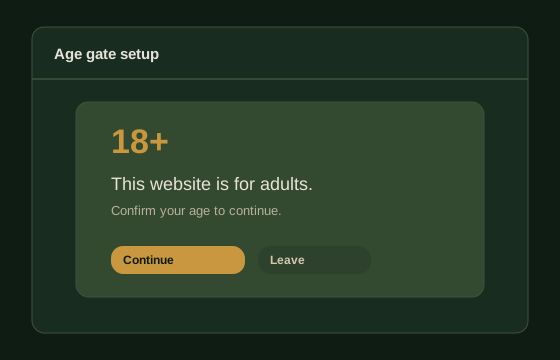
Age gate setup
Add a brand-matched entry gate. Any additional
age-verification requirements are agreed as part of the
project scope.
A clear entry point for an adult website.
Site operations
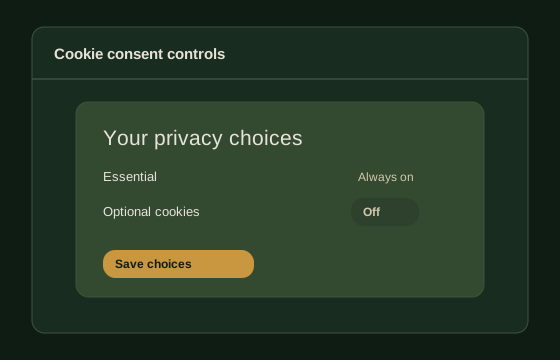
Cookie consent controls
Configure consent choices and style them to match your website
and agreed requirements.
Clear choices, presented consistently.
Site operations
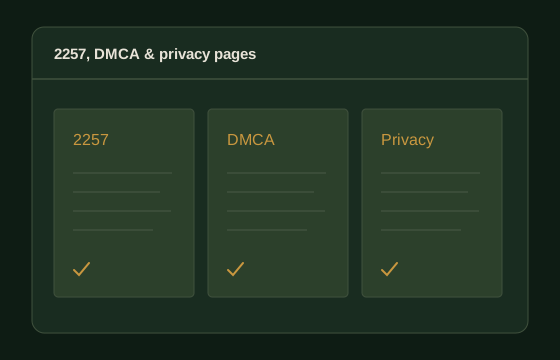
2257, DMCA & privacy pages
Publish client-approved policy pages and make them easy to
find. The applicable documents follow the agreed scope.
The right information, in the right place.
Site operations
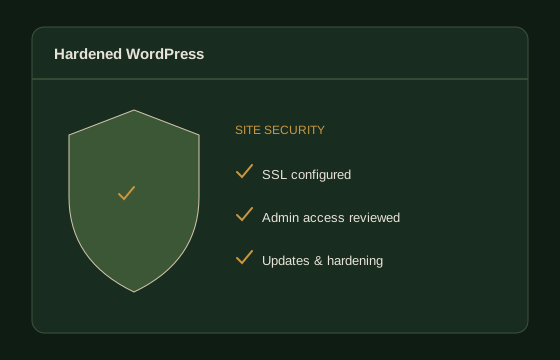
Hardened WordPress
Configure SSL, admin access and security settings, and reduce
unnecessary exposure from the initial setup.
Protect the site behind the experience.
Site operations
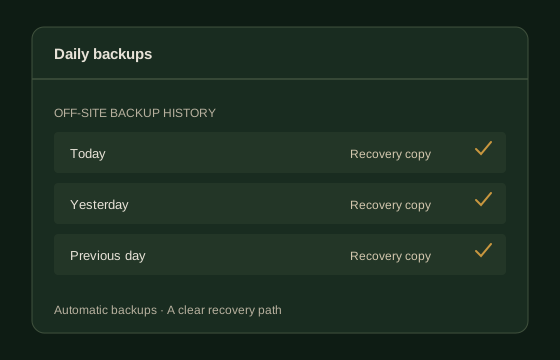
Daily backups
Set up automated, off-site backups so there is a recovery path
when an update or change goes wrong.
A recoverable copy of the work.
Site operations
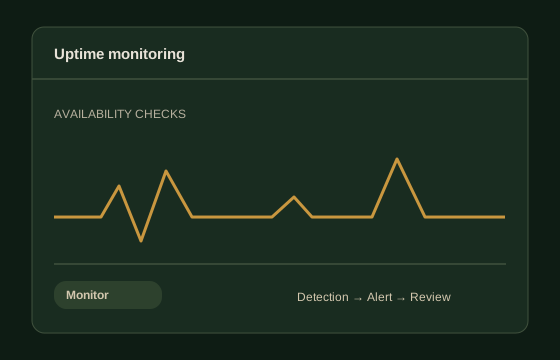
Uptime monitoring
Monitor availability and configure alerts so downtime can be
investigated when it is detected.
Know when your site needs attention.
Site operations
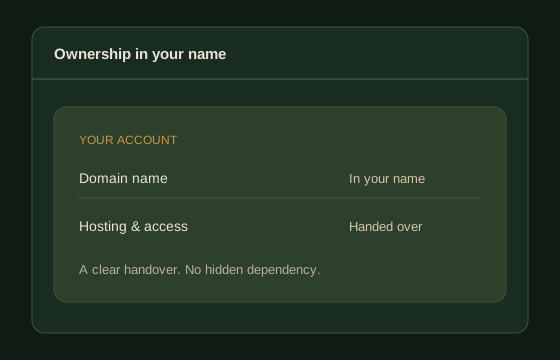
Ownership in your name
Keep hosting and domain accounts in your name, with a clear
handover of the agreed site access.
Your website. Your infrastructure.
No matching features
Try a different search or view the full catalogue.
 LUSTY
LUSTY